How do we crawl the internet?
Our in-house experts developed and maintain our very own web-crawling crawlers. Each month, these index the entire internet of over 350 million domains, structuring the data for you to utilize. Curious if we've crawled your website? Identify our crawlers by the reverse DNS: if you find 'dataproviderbot.com', you're a part of the network.
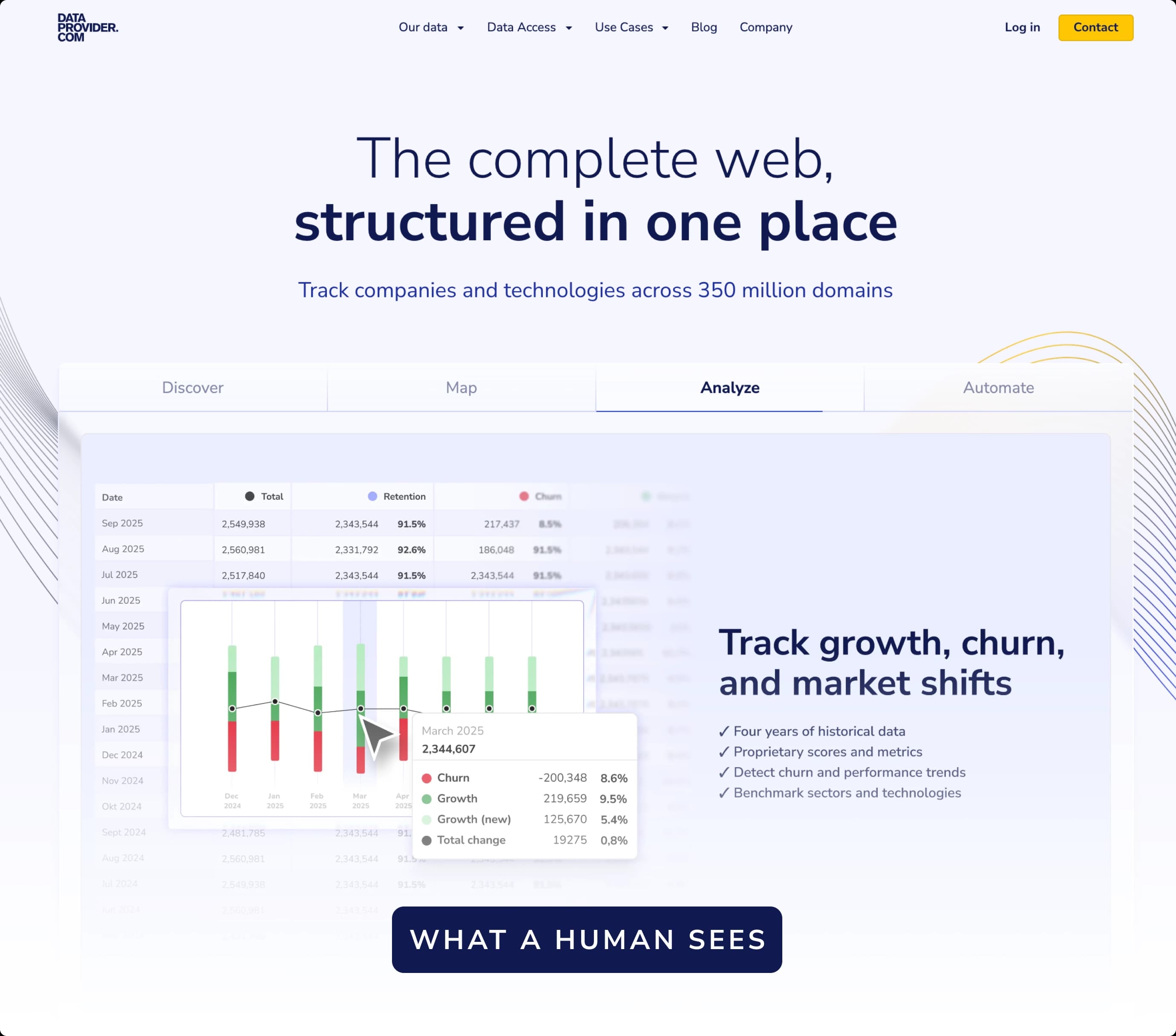
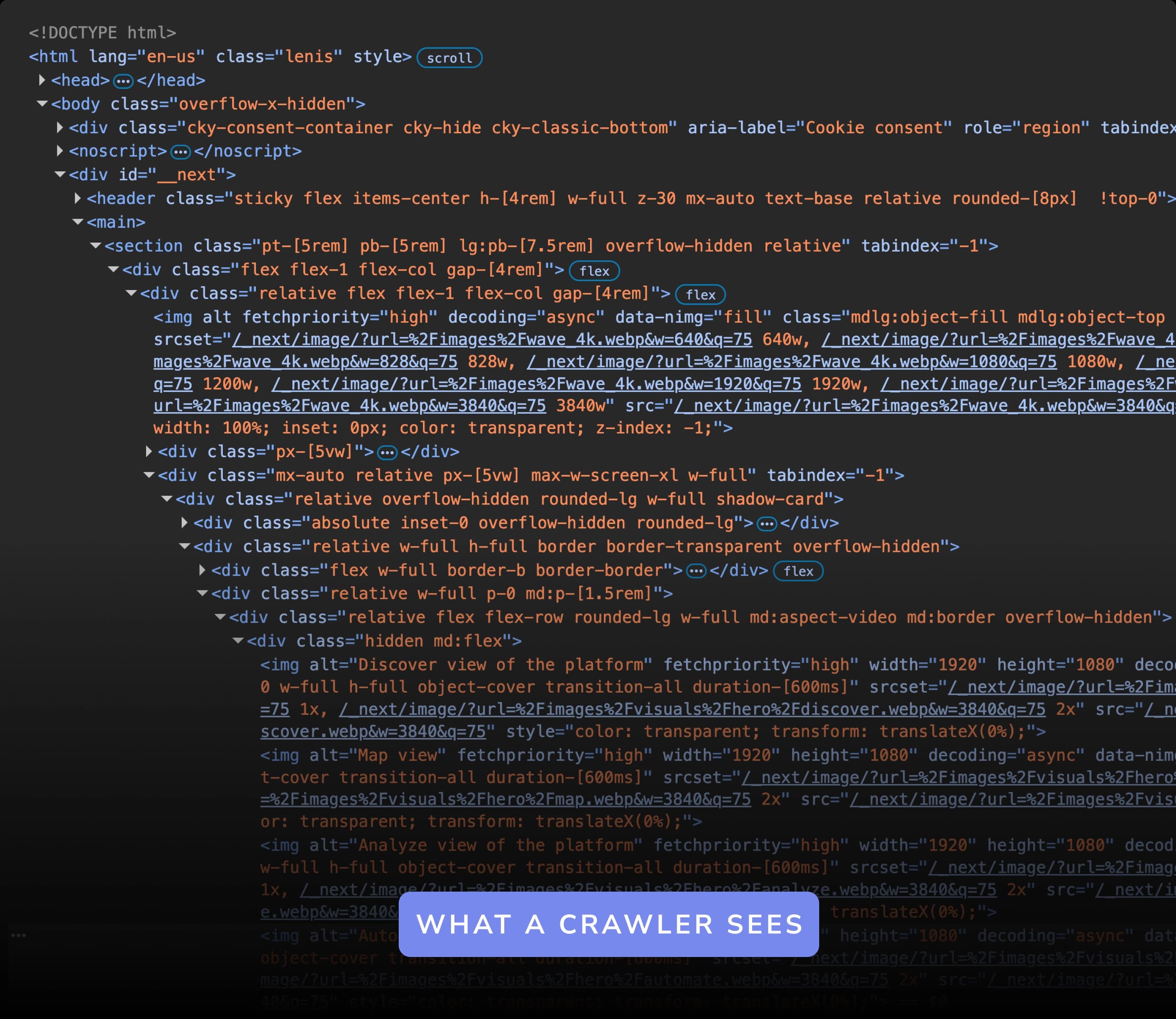
In-house developed
At Dataprovider.com we use our own in-house developed crawler to analyze domains. To avoid inconvenience and save bandwidth our crawler works very efficiently. The Dataprovider.com crawler identifies itself with a user agent, which makes it visible in logs and site statistics programs you may use. Look for the following agent:
"Mozilla/5.0 (compatible; Dataprovider.com)"Robot Exclusion Protocol
The robot exclusion protocol is a set of instructions that specifies which areas of a website a robot can and cannot process. We adhere to these instructions and exclude any directory or content that does not want to be indexed. There are two ways to instruct a crawler not to index your website. You can use a META tag in the HMTL, or alternatively add a robots.txt to the root folder of your web site. Alternatively, you can contact us and opt out by clicking the button on the right.
Opt outRobots META tag
In the HTML of a page you can add a robots META tag. With the META tag, a robot can be instructed whether or not to index a given webpage, and whether or not to follow the links to another page. If you want to exclude pages of your website from indexation, you can embed the robot META tag as shown in the following HTML code:
<!DOCTYPE html>
<html lang="en">
  <head>
    <meta charset="utf-8">
    <meta name="robots" content="noindex, nofollow">
  </head>
Robots.txt file
The robot exclusion protocol uses the robots.txt file, which is required to be placed in the root directory of a site. For example: if you have the website mydomain.com you can create a file called mydomain.com/robots.txt. Before the crawler indexes any website, it will always look for this file. The Dataprovider.com crawler is triggered by setting the user-agent to 'dataprovider' (if you only want to disallow dataprovider.com) or to '*' if you want to disallow all crawlers.
User-agent: dataprovider
Disallow: /